
 Image 1 of 1
REGISTRATION OPEN UNTIL FEBRUARY 10
Instructor: Emad Shoora Language: Arabic
Duration: 6 Weeks (6 sessions) Hours: 9 hours (1.5 each)
Days: Every Sunday From March 28 to April 25 Time: 7:30 PM TO 9:00 PM
This is an online course. you will receive the meeting link via email once the payment completed.
You can add more quantity to your cart if you want to pay for a friend.
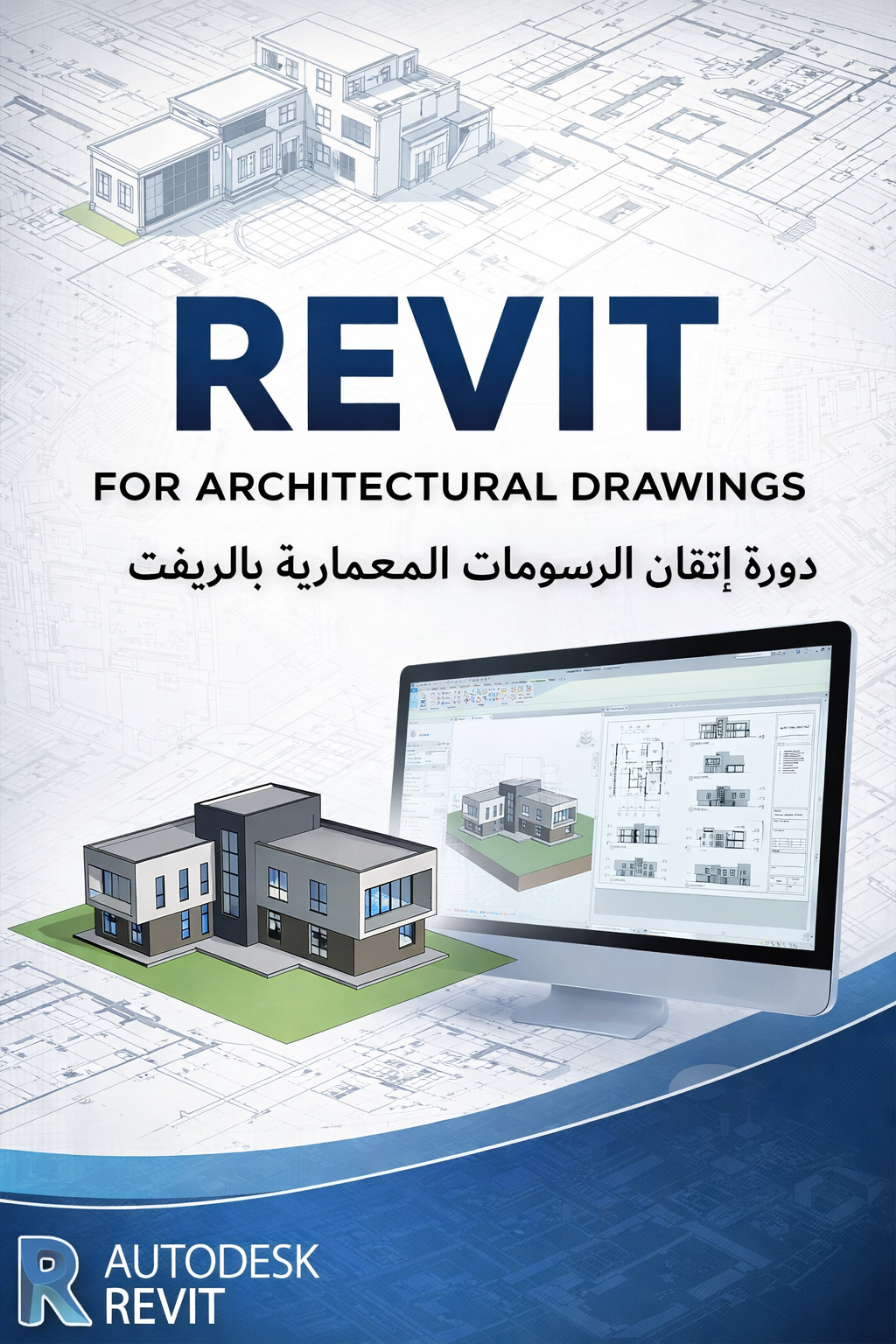
This course introduces Revit through a drafting-focused and practical workflow. It covers essential setup, modeling, documentation, and organization tools needed to produce professional architectural drawings.
You will also learn how to work with templates, worksets, rooms, areas, tags, schedules, filters, and file importing/exporting, making it ideal for beginners, students, and architects transitioning from AutoCAD to Revit.
Revit Basics
Interface, navigation, BIM fundamentals
Project Setup
Units, levels, grids, views, templates
Basic Architectural Elements
Walls, floors, doors, windows
Drafting & Annotation
Modify tools, dimensions, tags, text
Rooms, Areas & Schedules
Room and area creation
Room tags and area plans
Basic schedules (rooms, doors, areas)
Project Organization
Worksets basics
View templates and filters
Views & Documentation
Plans, sections, elevations
Visibility and graphic control
Sheets & Printing
Title blocks, sheets, print setup
File Management
Importing CAD files
Exporting PDF, DWG, IFC
Final Exercise
Create a complete basic drawing set
REGISTRATION OPEN UNTIL FEBRUARY 10
Instructor: Emad Shoora Language: Arabic
Duration: 6 Weeks (6 sessions) Hours: 9 hours (1.5 each)
Days: Every Sunday From March 28 to April 25 Time: 7:30 PM TO 9:00 PM
This is an online course. you will receive the meeting link via email once the payment completed.
You can add more quantity to your cart if you want to pay for a friend.
This course introduces Revit through a drafting-focused and practical workflow. It covers essential setup, modeling, documentation, and organization tools needed to produce professional architectural drawings.
You will also learn how to work with templates, worksets, rooms, areas, tags, schedules, filters, and file importing/exporting, making it ideal for beginners, students, and architects transitioning from AutoCAD to Revit.
Revit Basics
Interface, navigation, BIM fundamentals
Project Setup
Units, levels, grids, views, templates
Basic Architectural Elements
Walls, floors, doors, windows
Drafting & Annotation
Modify tools, dimensions, tags, text
Rooms, Areas & Schedules
Room and area creation
Room tags and area plans
Basic schedules (rooms, doors, areas)
Project Organization
Worksets basics
View templates and filters
Views & Documentation
Plans, sections, elevations
Visibility and graphic control
Sheets & Printing
Title blocks, sheets, print setup
File Management
Importing CAD files
Exporting PDF, DWG, IFC
Final Exercise
Create a complete basic drawing set