
Our Projects
-
![]()
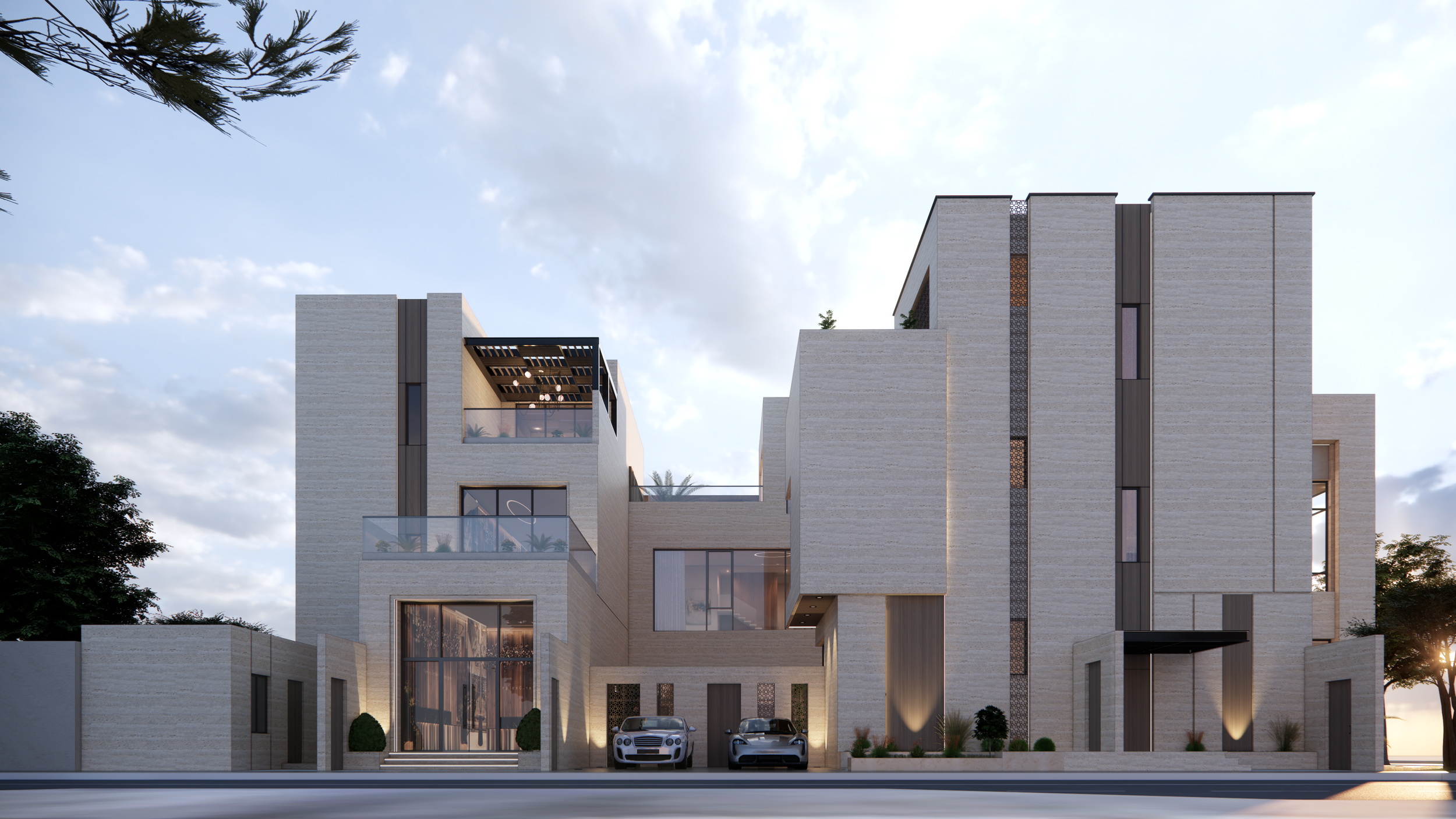
Al-Jumaili Villa
-
![]()
Travertine Villa
-
![]()
Almasila Palace
-
![]()
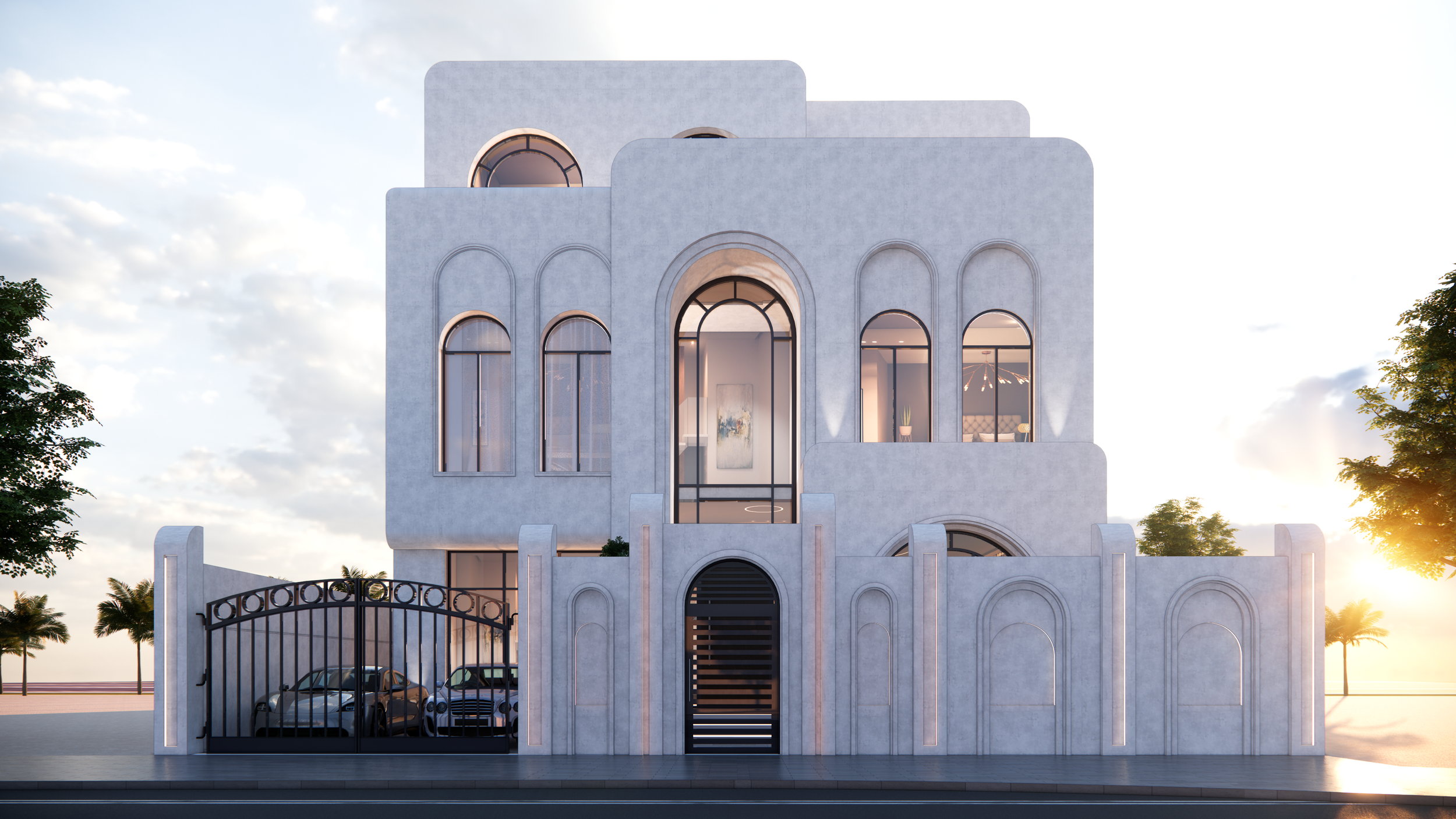
Villa Arcadia
-
![]()
Akkad Hotel Apartment
-
![]()
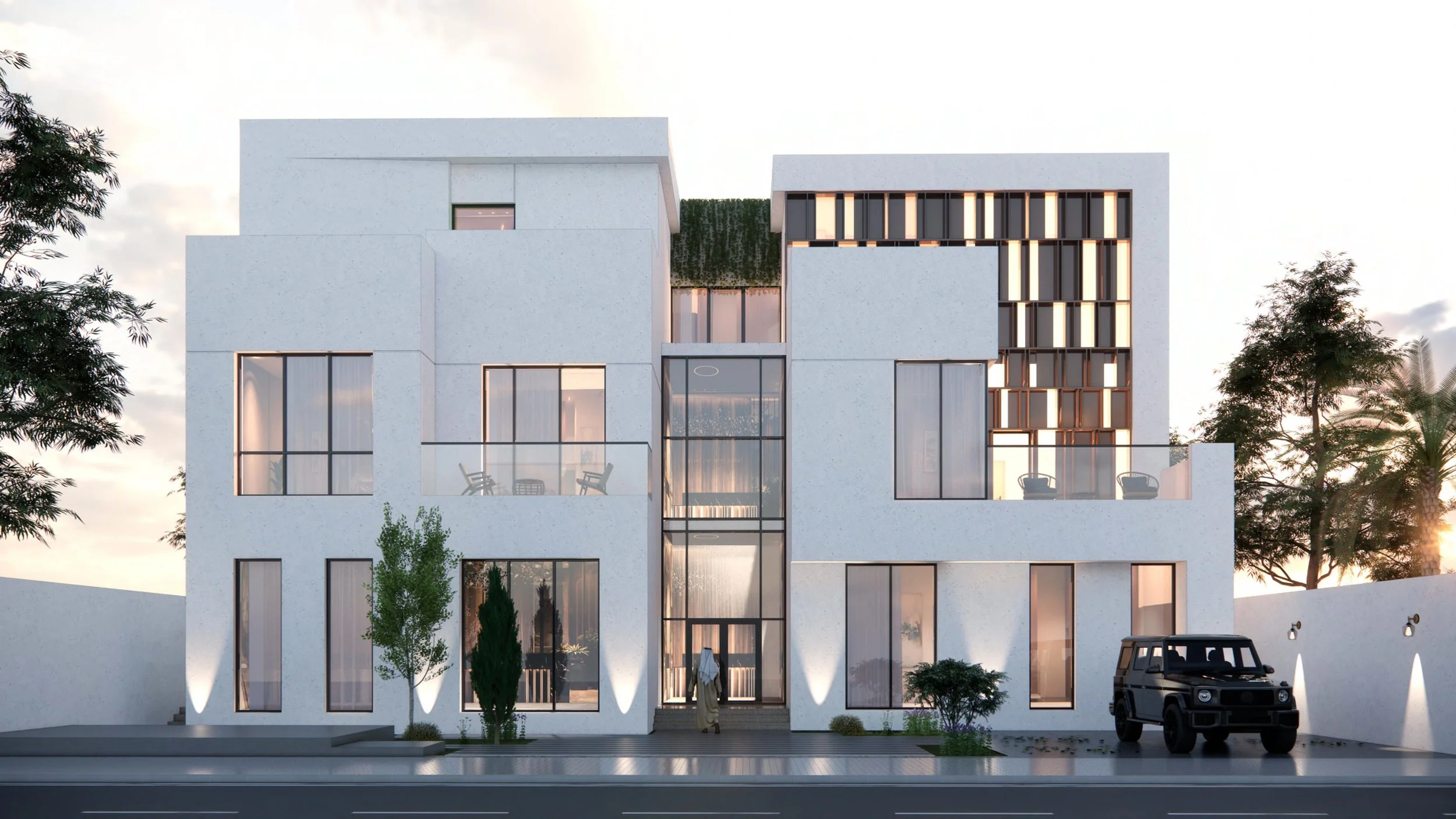
Alsalim Villa



Courses
REGISTRATION OPEN UNTIL MARCH 10
Instructor: Emad Shoora Language: Arabic
Duration: 6 Weeks (6 sessions) Hours: 9 hours (1.5 each)
Days: Every Saturday From March 14 to April 25 Time: 7:30 PM TO 9:00 PM
This is an online course. you will receive the meeting link via email once the payment completed.
You can add more quantity to your cart if you want to pay for a friend.
Course Description
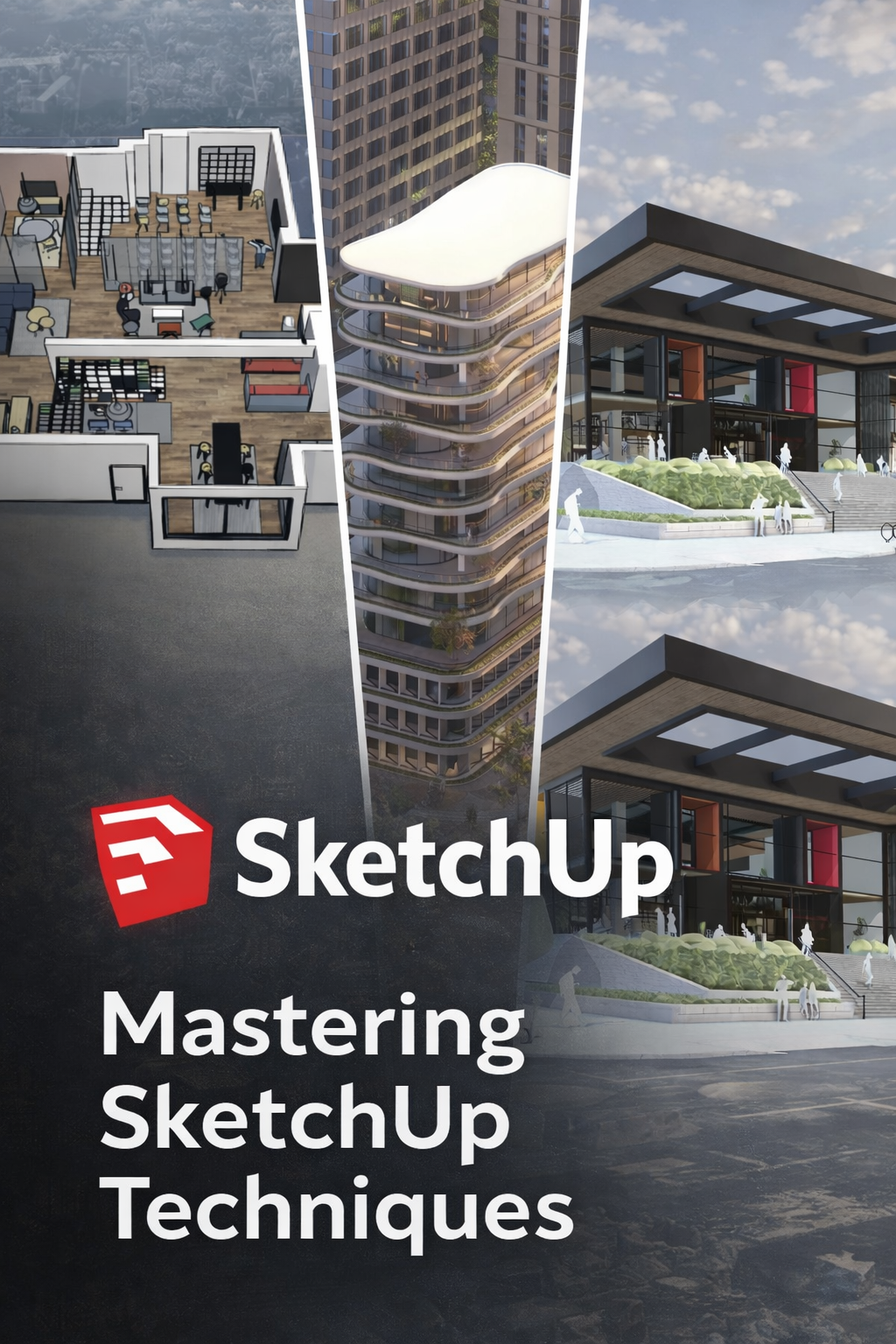
This course is designed for architects and architecture students who want to use SketchUp professionally, not just as a 3D drawing tool.
You’ll learn how to build clean, accurate, and well-organized architectural models, starting from early concept massing all the way to presentation-ready views.
The focus is on real architectural workflow: how architects actually think, model, organize, and present projects.
By the end of the course, you will be able to model residential and mixed-use buildings efficiently, develop facade designs, manage complex models, and produce high-quality visuals for presentations or further rendering.
No unnecessary theory — everything is practical, clear, and based on real projects.
Course Outline
Module 1: SketchUp Basics (Architectural Mindset)
Understanding SketchUp’s interface for architectural use
Units, precision, snapping & scale control
Essential tools every architect must master
Thinking in volumes, not lines
Module 2: Clean Modeling Workflow
Groups vs Components (when and why)
Proper model organization (Tags & Outliner)
Avoiding common modeling mistakes
Creating reusable architectural elements
Module 3: Concept & Massing Design
Fast massing techniques
Site context & scale reference
Exploring multiple design options
Using scenes to develop and compare concepts
Module 4: Architectural Modeling
Modeling slabs, walls, columns & cores
Doors, windows & openings
Staircases & basic structural elements
Modeling efficiently from CAD drawings
Module 5: Facade & Exterior Design
Facade proportions & rhythm
Balconies, frames, fins & shading devices
Repetitive systems using components
Material application for exterior clarity
Module 6: Sections, Plans & Diagrams
Creating clean sections & cut views
Scene styles for plans and elevations
Exploded diagrams & design explanations
Linework control for presentations
Module 7: Presentation & Visualization
Styles setup (concept vs final)
Shadow studies & sun settings
Scene animation basics
Exporting high-quality images & drawings
Module 8: Professional Tips & Optimization
Speed modeling techniques & shortcuts
Keeping models light & efficient
Plugins every architect should know
Preparing models for rendering software
What You Will Learn
Professional SketchUp workflow used in real offices
How to model faster without losing accuracy
How to design and develop facades in 3D
How to present projects clearly and confidently
How to avoid messy, unprofessional models
Who This Course Is For
Architecture students
Junior and intermediate architects
Designers using SketchUp but feeling “stuck”
Anyone who wants clean, professional architectural models
REGISTRATION OPEN UNTIL FEBRUARY 10
Instructor: Emad Shoora Language: Arabic
Duration: 6 Weeks (6 sessions) Hours: 9 hours (1.5 each)
Days: Every Sunday From March 28 to April 25 Time: 7:30 PM TO 9:00 PM
This is an online course. you will receive the meeting link via email once the payment completed.
You can add more quantity to your cart if you want to pay for a friend.
Revit Drafting & Basics – Course Description
This course introduces Revit through a drafting-focused and practical workflow. It covers essential setup, modeling, documentation, and organization tools needed to produce professional architectural drawings.
You will also learn how to work with templates, worksets, rooms, areas, tags, schedules, filters, and file importing/exporting, making it ideal for beginners, students, and architects transitioning from AutoCAD to Revit.
Course Outline (Short & Practical)
Revit Basics
Interface, navigation, BIM fundamentals
Project Setup
Units, levels, grids, views, templates
Basic Architectural Elements
Walls, floors, doors, windows
Drafting & Annotation
Modify tools, dimensions, tags, text
Rooms, Areas & Schedules
Room and area creation
Room tags and area plans
Basic schedules (rooms, doors, areas)
Project Organization
Worksets basics
View templates and filters
Views & Documentation
Plans, sections, elevations
Visibility and graphic control
Sheets & Printing
Title blocks, sheets, print setup
File Management
Importing CAD files
Exporting PDF, DWG, IFC
Final Exercise
Create a complete basic drawing set
Course Outline – Think Like an Architect
Introduction to Architectural Thinking
What it means to think like an architect and how design thinking differs from drawing or software skills.Understanding the Problem
Reading the brief, identifying constraints, and defining the real design challenge.Site & Context Analysis
How to analyze site conditions, surroundings, climate, culture, and regulations to inform design decisions.User Needs & Functionality
Understanding users, activities, circulation, and how spaces should work.Concept Development
Turning ideas, references, and narratives into strong architectural concepts.Form, Space & Massing
How architects shape buildings using proportions, scale, solids, and voids.Logic vs Creativity
Balancing creative ideas with practicality, structure, and feasibility.Design Decision Making
How architects justify choices related to layout, form, materials, and orientation.Iteration & Design Development
Testing ideas, refining concepts, and improving designs through feedback.Presenting Architectural Ideas
How to communicate ideas clearly through diagrams, sketches, and storytelling.
Alshora Studio
Our firm stands at the forefront of innovative architectural design, merging functionality with aesthetic excellence. With years of expertise, we deliver bespoke solutions tailored to meet the unique needs of each client.